显示标签为“Mb Star Connect C4”的博文。显示所有博文

2022年4月15日星期五

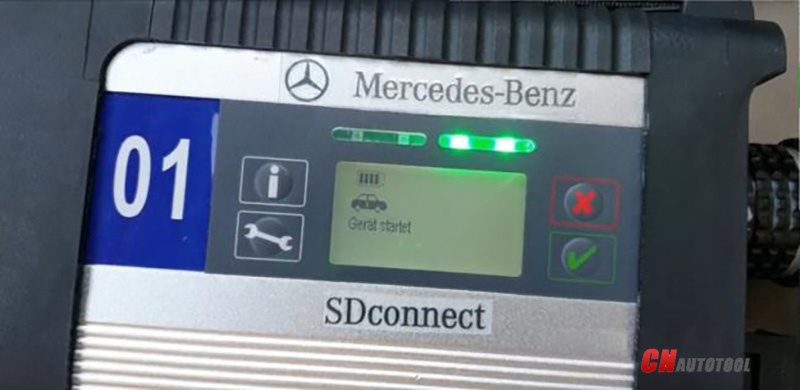
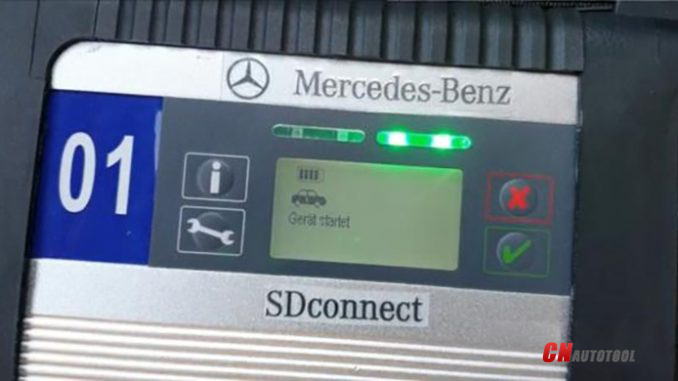
How do the MB SD C4 Plus Connection Error


How do the MB SD C4 Plus Connection Error-1

MB SD C4 Plus Connection Error “Verify the battery” Solution

Q: I have a problem with the connection between the C4 and my car, cables and notebook are not a problem. The defect is in c4, any suggestions for a solution?
On Xentry, after a blue scroll bar appears on the screen, 30 and 31 appear, I swap the c4 module for another, it works again.

How do the MB SD C4 Plus Connection Error-2
CnAutotool.com engineers answer:
A flat battery may affect the device, or connection ports need to be cleaned.
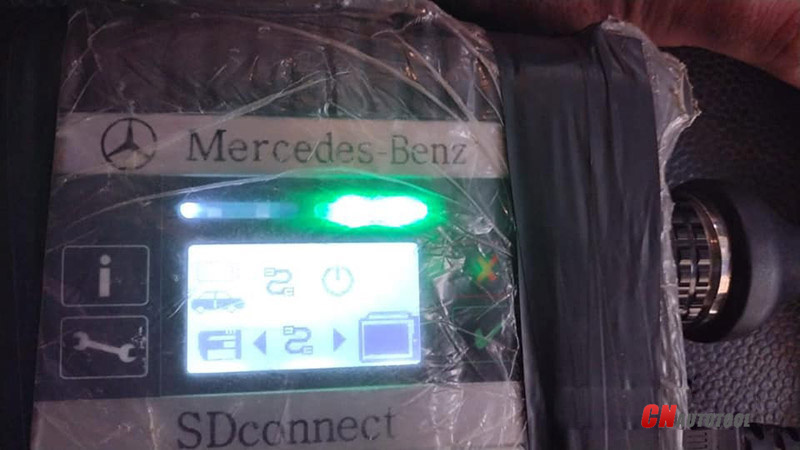
Solutions:
1. Re-flash firmware and make sure the battery is good
2. Clean connection ports (Took an air blaster to it and sprayed some electrical contact spray solvent into it)

1. How to re-flash firmware?
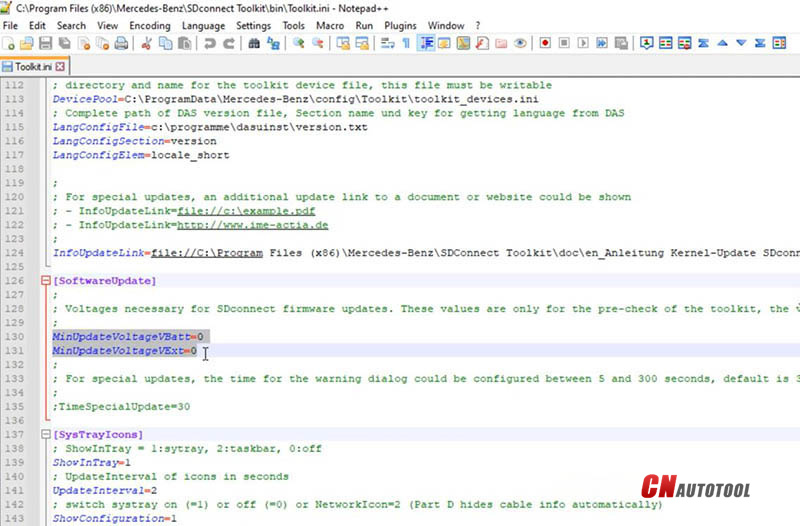
Right-click “SDconnect Toolkit” and select “Goto BIN directory”.
Edit “Toolkit.ini”. (This step requires no battery inside SD C4)
Find “MinUpdateVoltageVBatt=7200” and “MinUpdateVoltageVExt=11000”.
Switch both values into “0”.
How do the MB SD C4 Plus Connection Error-3
Then reboot your computer.
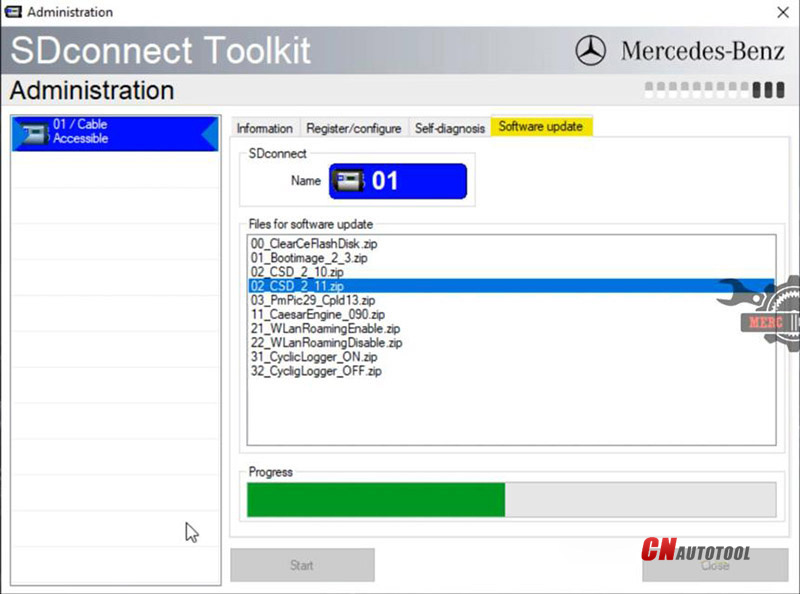
Right-click “SDconnect Toolkit” and select “Administration”.
Select the device when it’s identified.
Go to “Software update”.
Download “02_CSD_2_11.zip” “01_Bootimage_2_3.zip” “03_PmPic29_Cpld13.zip”. (Do Not change the order)
How do the MB SD C4 Plus Connection Error-4
Install a good battery and connect SD C4 to the vehicle.
Now Xentry software and MB SD C4 Plus should be fine.
How do the MB SD C4 Plus Connection Error-5


2017年5月1日星期一

SD Connect unlock dump: 100% will work!

This is a dump examine out from PIC16LF88 chip of my very own SD Link C4 system (4-5 decades outdated). It’s 100% doing the job.I'm sure it precisely simply because I’ve succesfully unlocked 3 units for previous two days utilizing it. Each one works great.You never require to obtain a brand new one particular PIC16FL88. You only really need to application chip from your personal machine.After that once you operate your SDconnect you'll probably see that serial range, OS variation of the device are altered into zeroes “0000”.

Do not be concerned. Just adjust your Mb Star C4 to factory condition using buttons close to by Liquid crystal display (no need to clarify “How to…” for the reason that it is fairly apparent). Soon after rebooting you will see real SN, OS edition and so on.

Also you could improve serial amount of your machine. 24c02 consists of it. Following shifting variety just run “factory settings” function…other way it's going to not adjust. Following reboot you are going to probably see (on liquid crystal display of the machine) your SN appears like “the selection you have programmed into chip +1″… I indicate 10001 inspite of 10000 for instance and so on, but in SDNC device package you will see the authentic SN (ten thousand), and soon after succesfull reconfiguring your unit you will see the correct quantity on Liquid crystal display of one's OBD2 Scanner C4.

I was applying cheap ssop28 (0.65mm stage) adapter and Pickit3 programmer to read/write PIC16lf88. This scheme made for Pickit3 OEM socket(ICSP).

Also I have received dumps of each flashes 29f016 and PIC18lf8680 if any person will need it.

Archive is guarded.

7-1